How These Chips Are Built
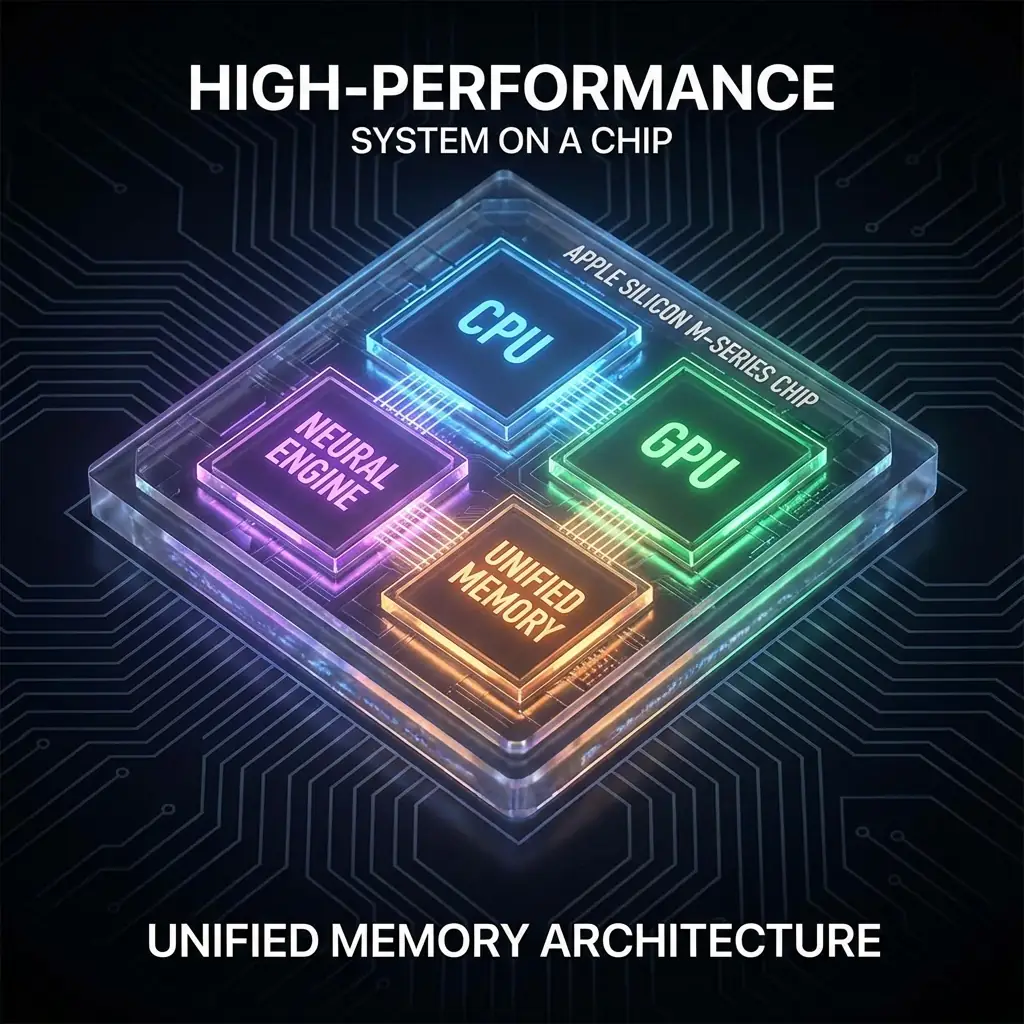
Apple M-Series (ARM / RISC)
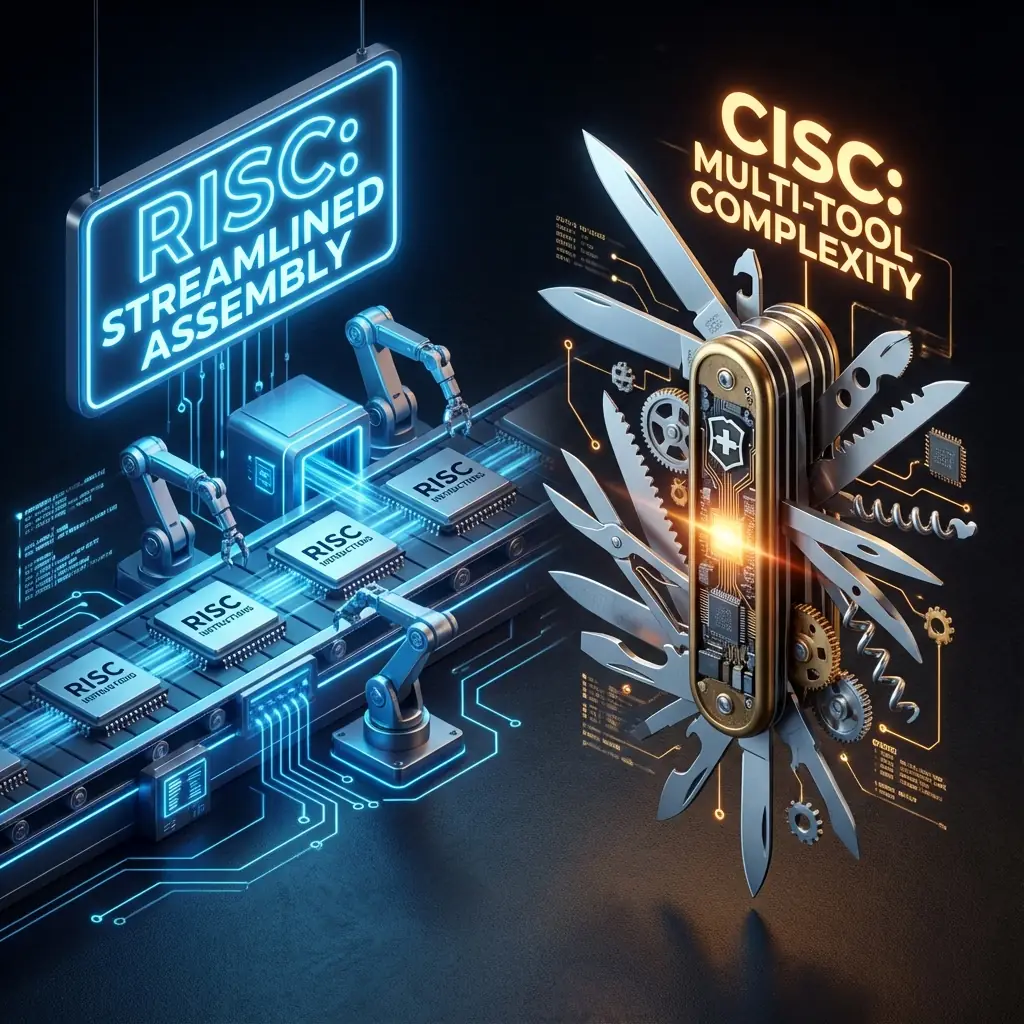
Apple Silicon is based on ARM architecture and follows a
RISC design philosophy to keep instructions
simple and execute them very fast.
- System on a Chip (SOC): CPU, GPU, memory, and accelerators live on one chip.
- High efficiency: More work per watt, less wasted energy.
- Runs cool: Great performance without loud fans.
- Performance + Efficiency cores: Heavy tasks use fast cores, background tasks use small ones.
Intel Core i9 (x86 / CISC)
Intel uses the x86 architecture with a
CISC approach to make fewer instructions,
but each one can do a lot.
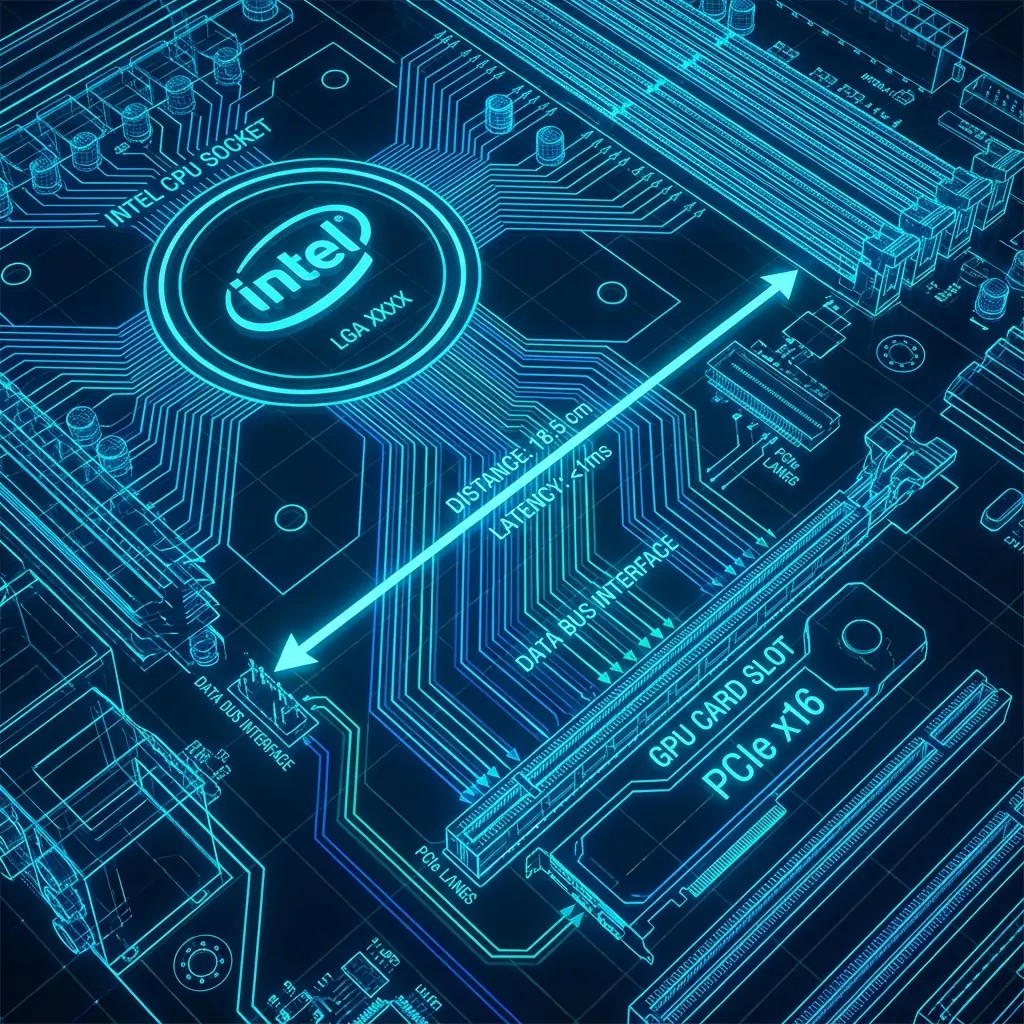
- Modular design: CPU, GPU, and RAM are separate components.
- High raw performance: Very strong in sustained, heavy workloads.
- High power draw: Can exceed 125W under load.
- Brute force approach: High clocks, many cores, lots of power.
RISC vs CISC — explained in real life
Think of RISC (Apple) like a modern factory assembly line. Every worker does one small, simple task at a time, but they do it extremely fast. To finish a product, you need more steps, but each step is very efficient and predictable.
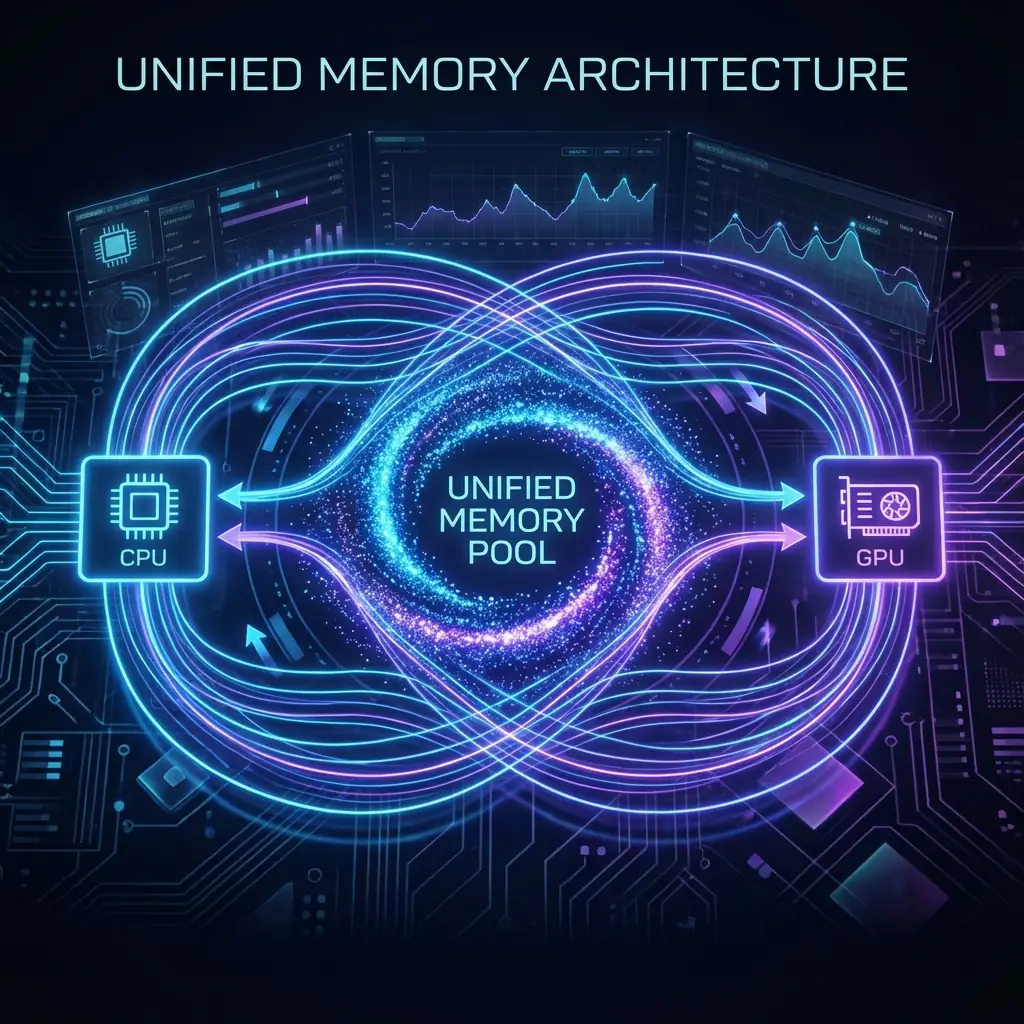
Now imagine that same factory also has everything it needs already inside the building. The tools, the parts, the materials - nothing needs to be fetched from outside. That’s how Apple Silicon works: the CPU, GPU, and memory are all close together, so work flows smoothly with very little waiting.
CISC (Intel), on the other hand, is like a highly skilled craftsman working alone. One person can do many complex things at once — cut, drill, assemble — all in a single step. Fewer steps are needed, but each step takes more effort and energy.
With a traditional PC, it’s like cooking a meal but having to go out and buy ingredients from different stores every time. The CPU works, then waits for memory, then waits for the GPU. It still gets the job done, sometimes very powerfully, but there’s more back-and-forth and more overhead.